
We don't make compliance exciting.
We make it manageable.
Compliance requirements change. Product information evolves. OwlQR keeps everything behind a single QR code, so your export data, certifications and sustainability information are always current.
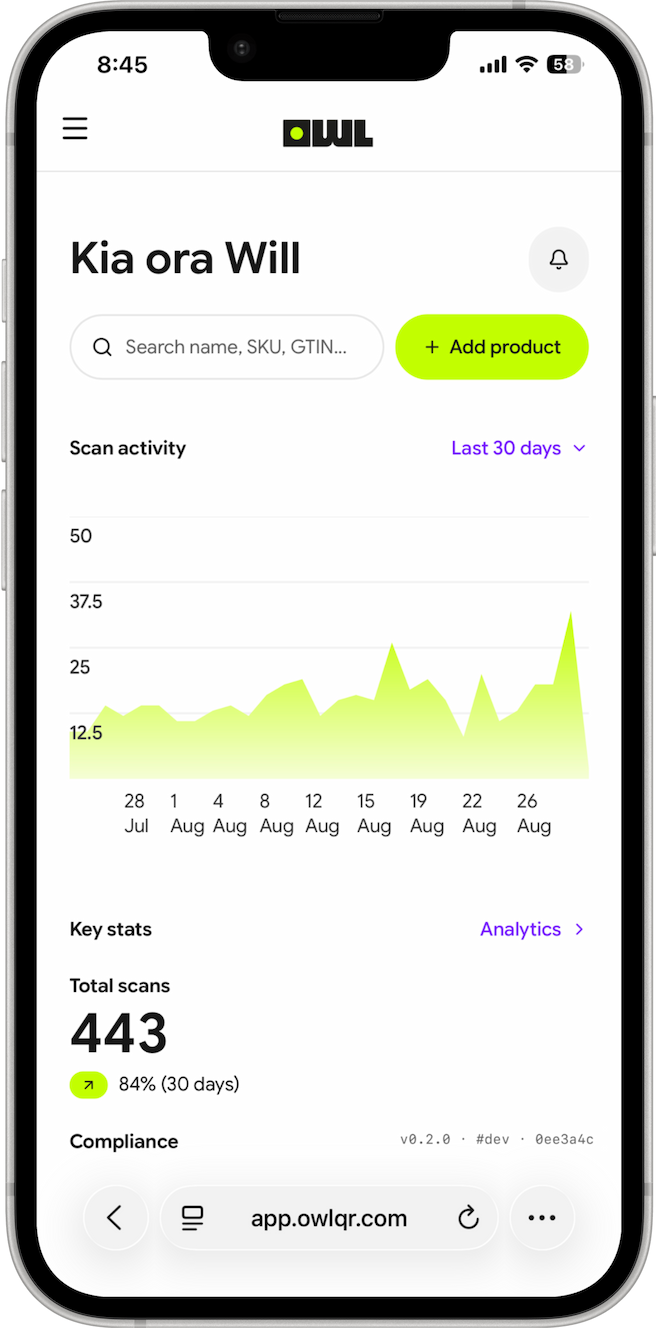
Built around the standards you already have to meet:
- GS1
- EU Digital Product Passport
- Amazon Transparency
Why does this matter now?
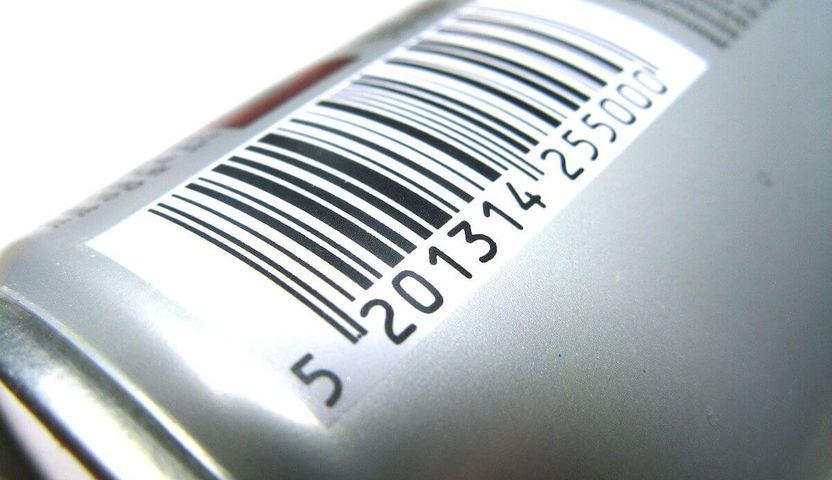
Barcodes can't store complex info.
Most retailers will expect a QR code instead of the old one by the end of 2027 — one that can carry real information, not just a price.
Export rules are tightening globally.
More countries expect a scan to show where a product came from and what's in it. With OwlQR, you can keep that ready.
People want real answers, fast.
Consumers increasingly want to know where products come from, what they contain, and whether they can be trusted.
From product to scan-ready QR in minutes
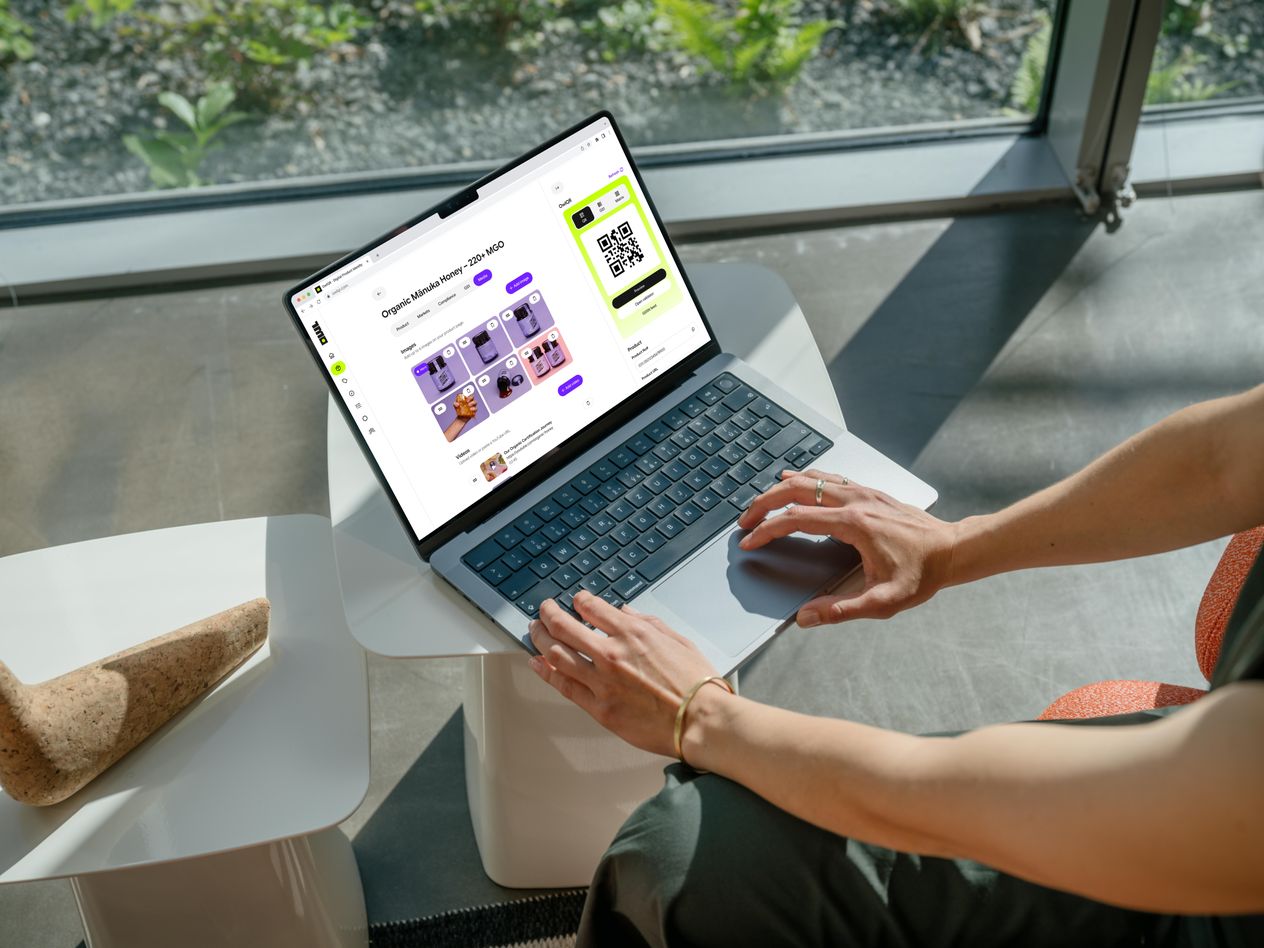
Create one QR code for your product, and update what's behind it at any time: a new certification, a new ingredient, or a new regulation. You do not touch the packaging. The code stays the same, but what it delivers does not have to.
How it works- 1Add your productEnter product name, brand, and basic details
- 2Enter key details
- 3Generate QR code
- 4Share with customers
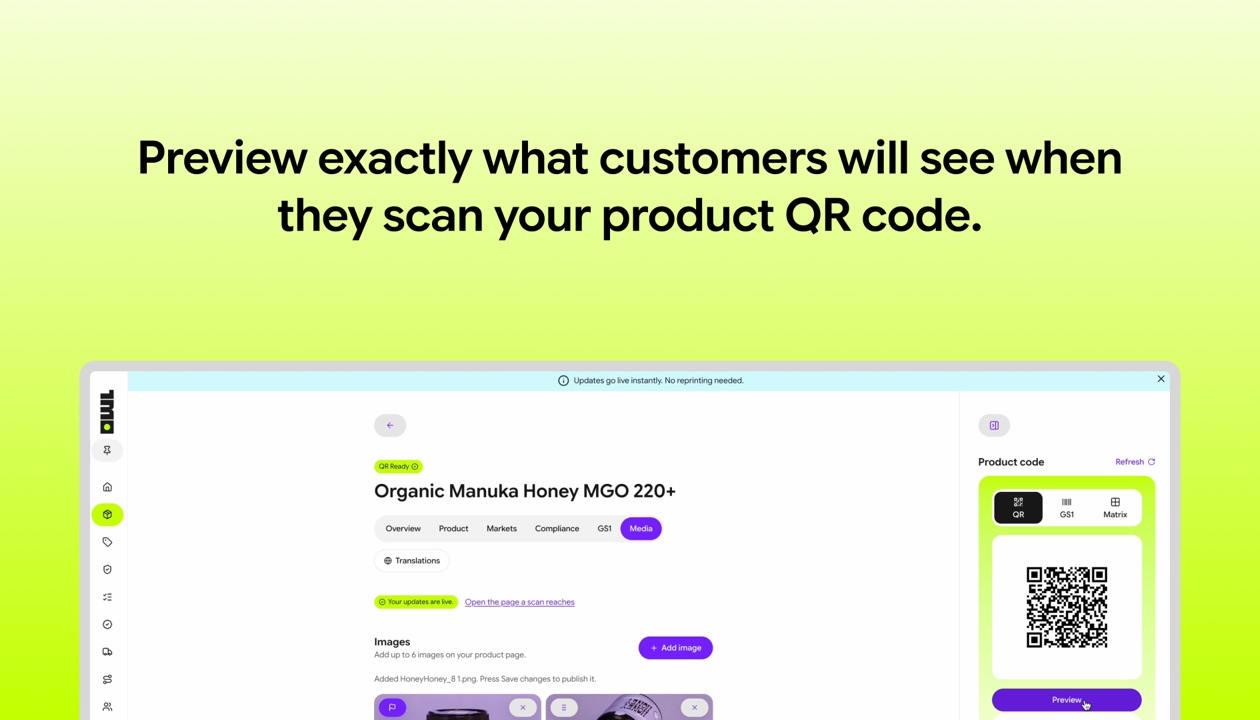
See what customers see
Every scan opens a clean, mobile-friendly product page with the latest information. It is designed to build trust and to communicate clearly.
- Product origin, ingredients, and certifications
- Brand story and sustainability information
- Batch-level traceability and compliance data
Standards we support
OwlQR is built on open standards used by the world's largest retailers, supply chains, and regulators.
 Learn more about GS1 Digital Link
GS1 Digital Link
The global standard for encoding product identity into QR codes. Used by major retailers worldwide.
 Learn more about EU Digital Product Passport
EU Digital Product Passport
Mandatory QR-accessible product data for goods entering the EU market, starting 2027.
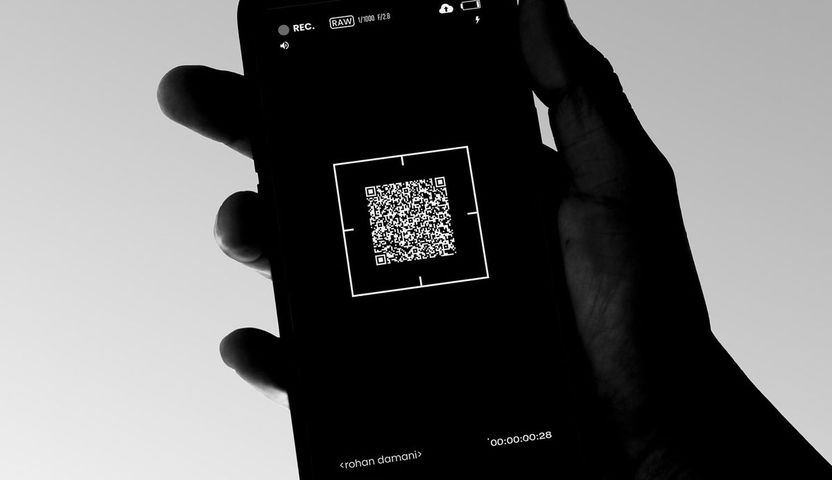 Learn more about Amazon Transparency
Amazon Transparency
Unit-level serialisation codes for product authentication on the Amazon marketplace.
Where we show up
Whether you're selling wine, food, clothing or something else entirely, OwlQR helps products communicate the information people need before, during, and after a purchase.
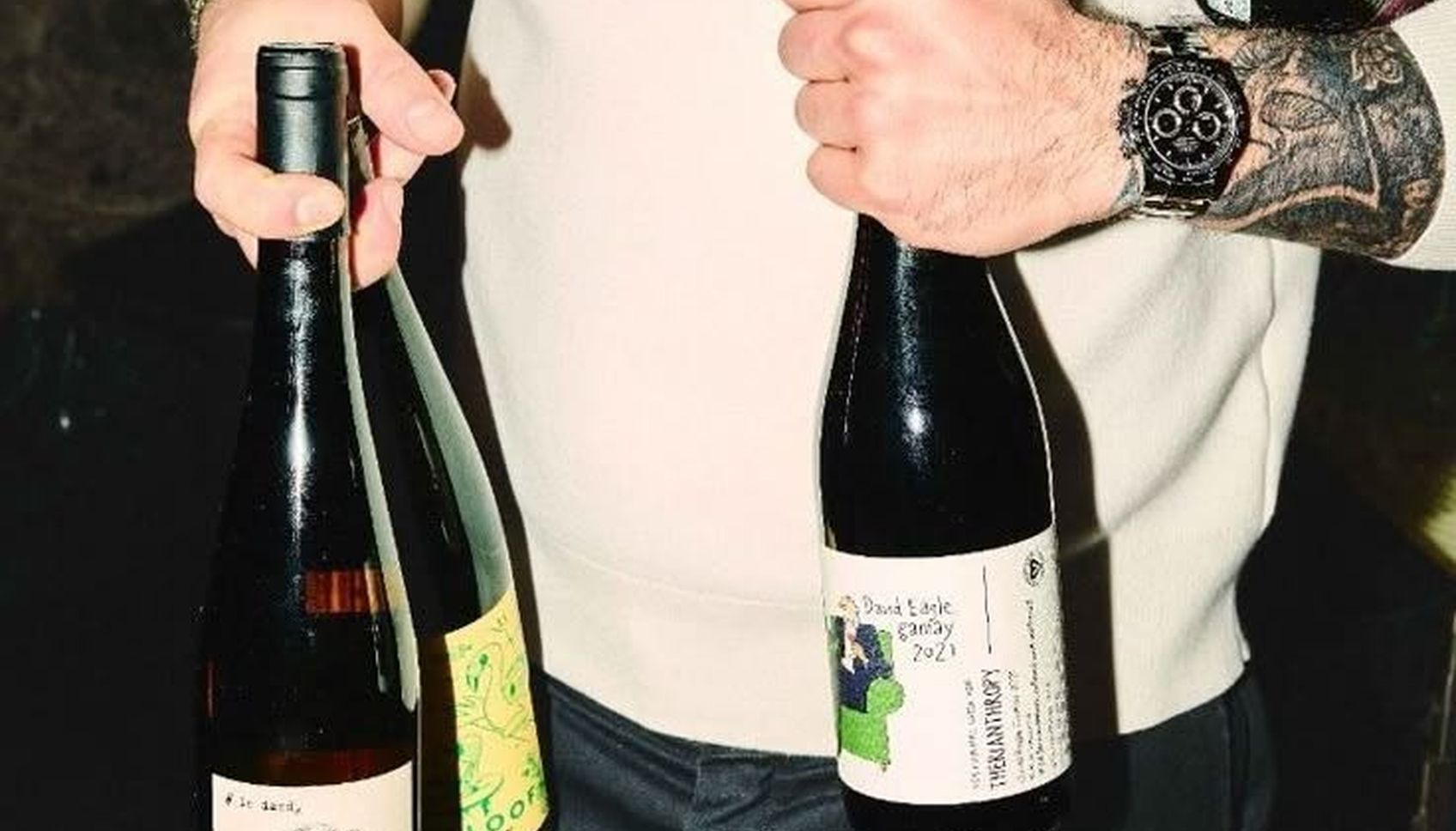
Wine bottles
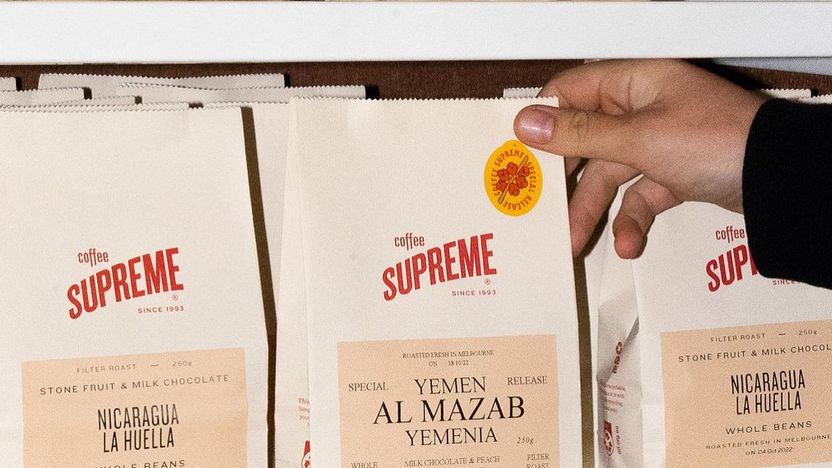
Food packaging

Clothing labels
See OwlQR in action
Watch how OwlQR works, from adding your first product to generating a QR code your customers can scan.
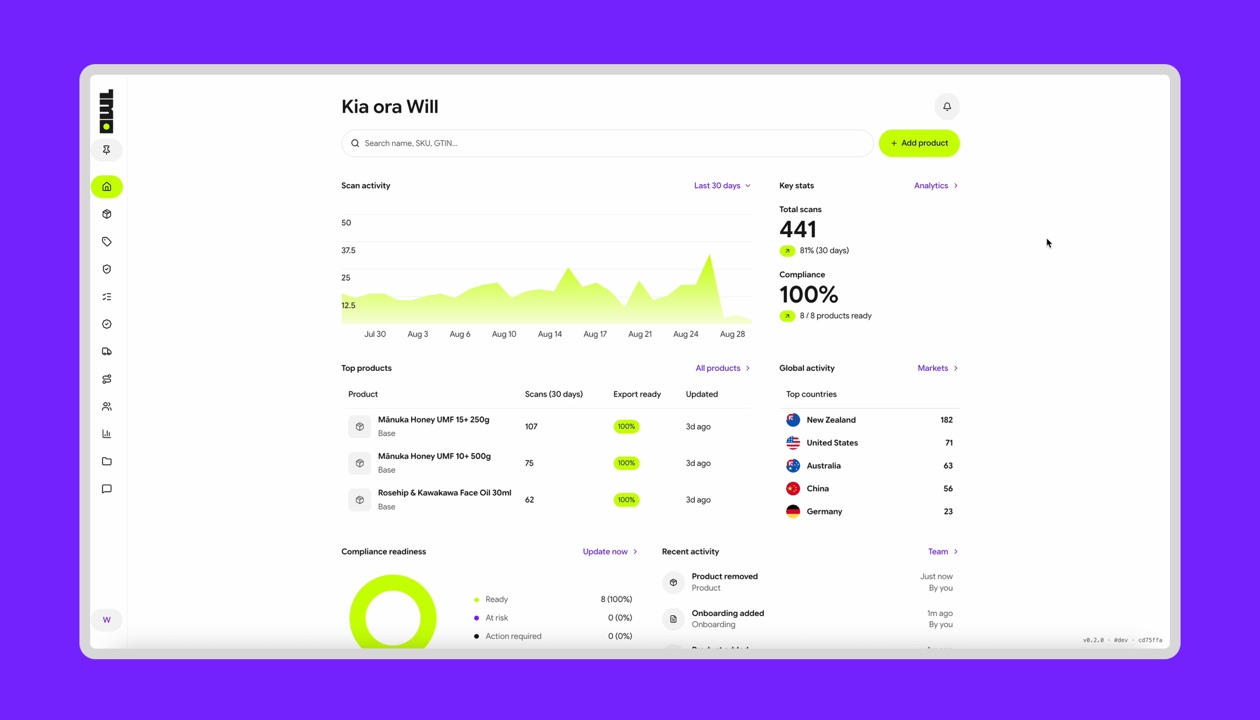
Product walkthrough
21 sec
A silent screen recording. It starts on the OwlQR dashboard and adds a product: the brand name, the product name, and the category. It then selects the export markets, enters the barcode number, and ends on the product page with the QR code and the compliance readiness list.
Customer scan experience
15 sec
A silent screen recording. It opens a product in OwlQR and previews the code, then shows the page a customer gets from a scan: the product photograph, the description, the packaging and best before dates, the country of origin, and the photograph gallery.
Ready to create your first scan-ready product?
Add a product, fill in the details that matter, and generate a QR code your customers can scan today.