
From product to
QR in minutes.
OwlQR is designed to be simple. Add a product, fill in the details, generate a QR code, and share it with the world, all from one platform.
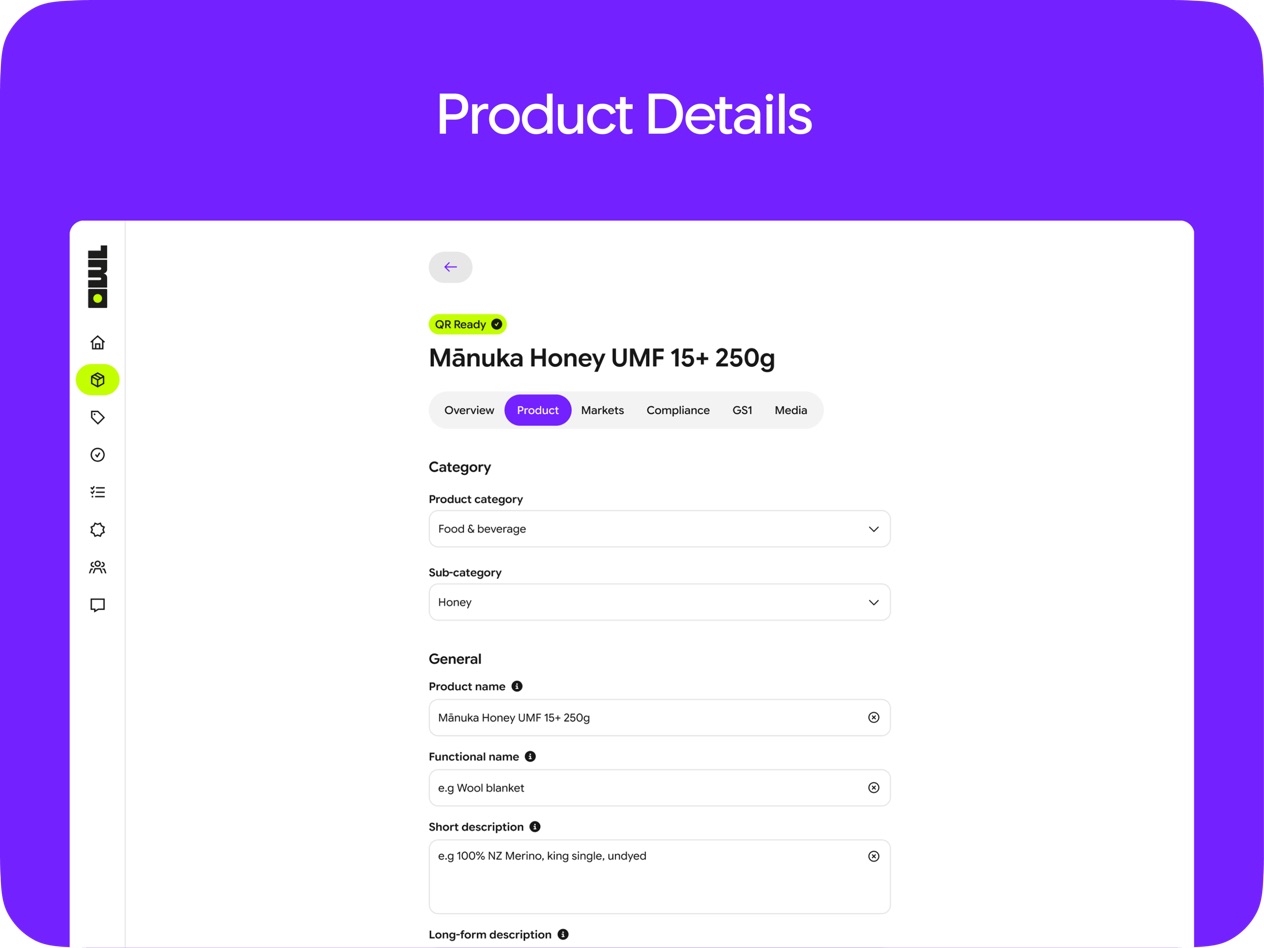
Add your product
Start by creating a product in OwlQR. Enter the product name, choose a brand, and set the basics:
- Product name and brand
- Category and product type
- GTIN or internal reference (optional)
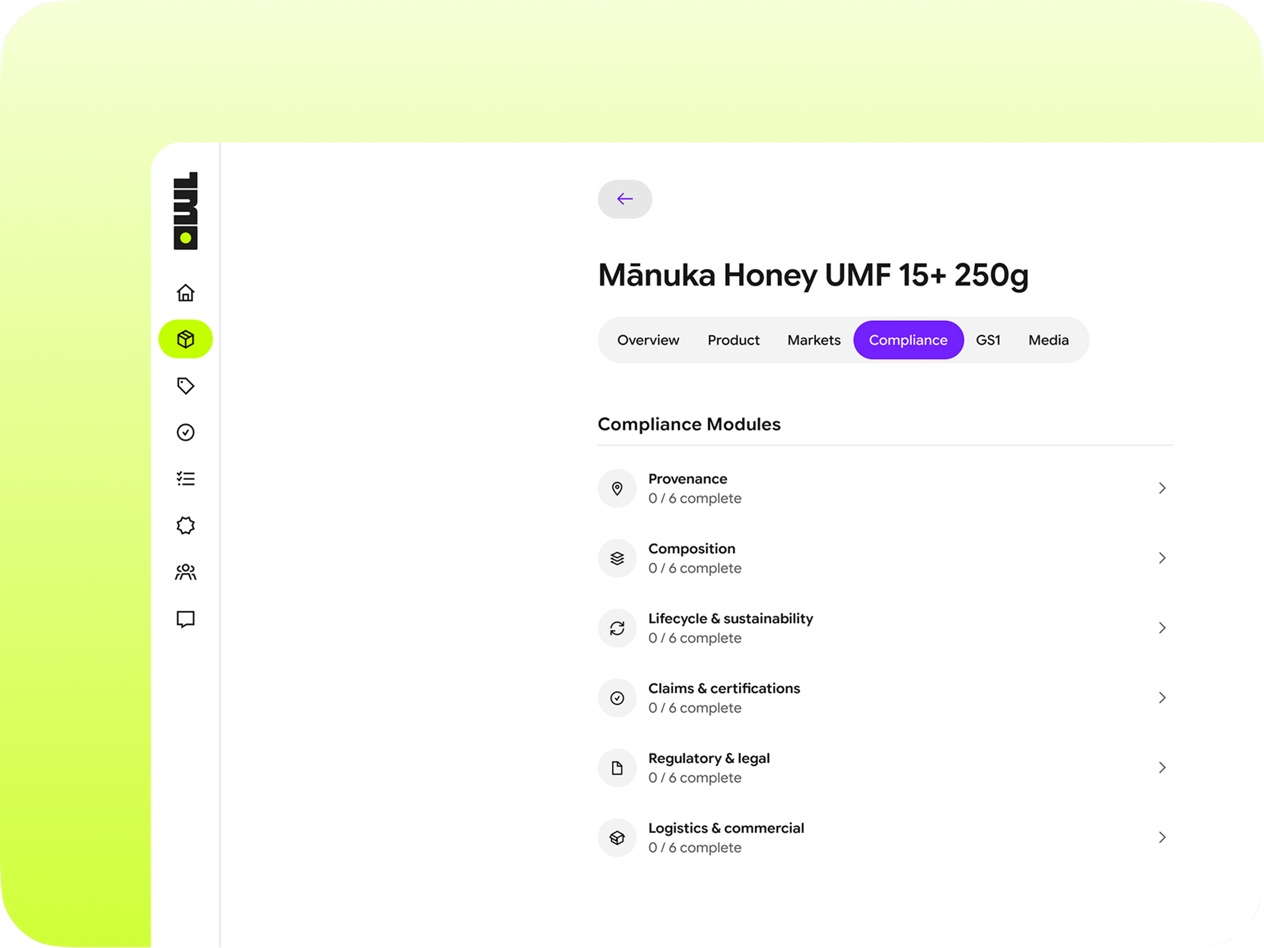
Enter key details
Fill in the information that matters to your customers and compliance requirements:
- Origin, ingredients, and materials
- Certifications and compliance documents
- Brand story and sustainability information
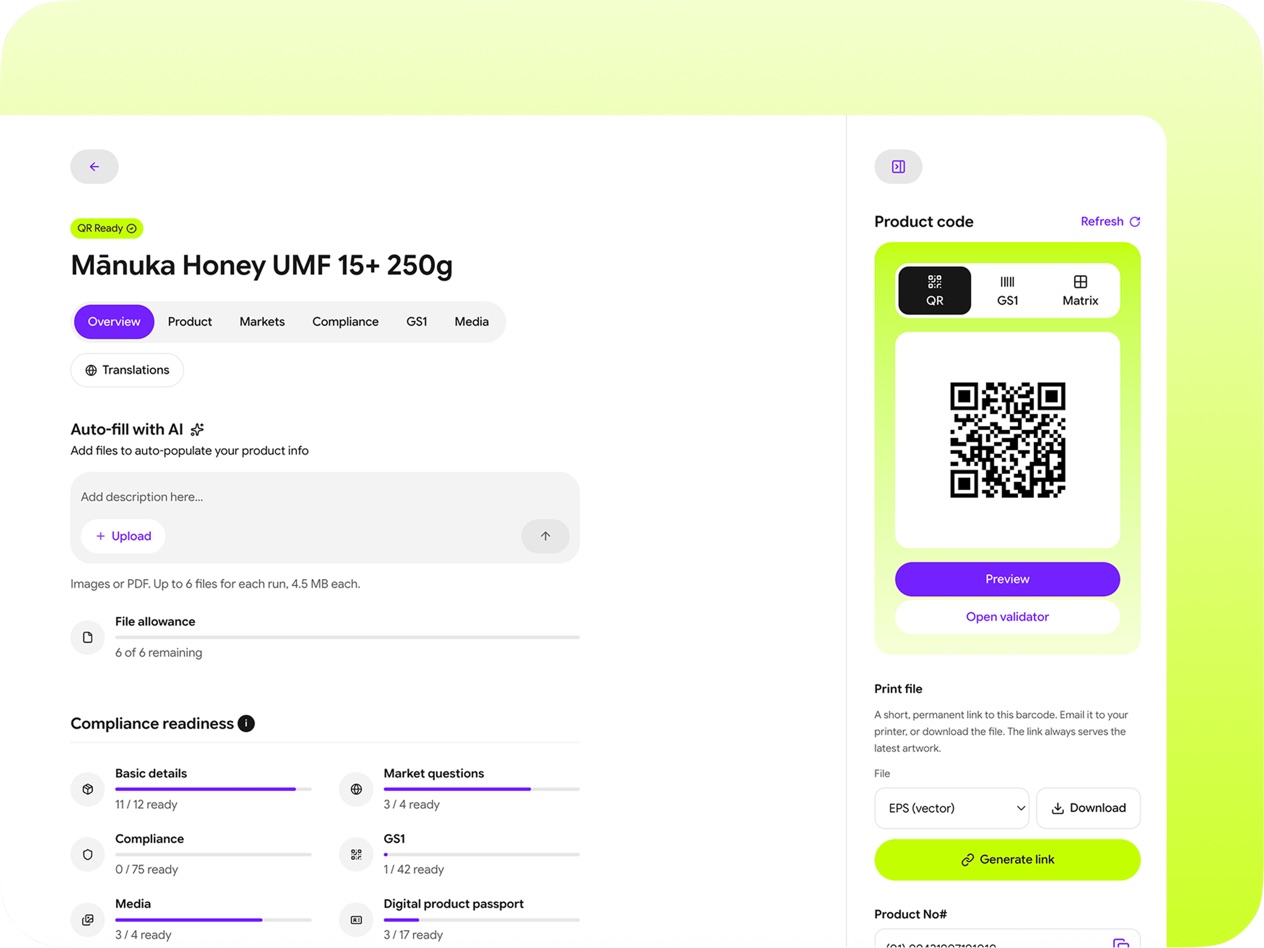
Generate your QR code
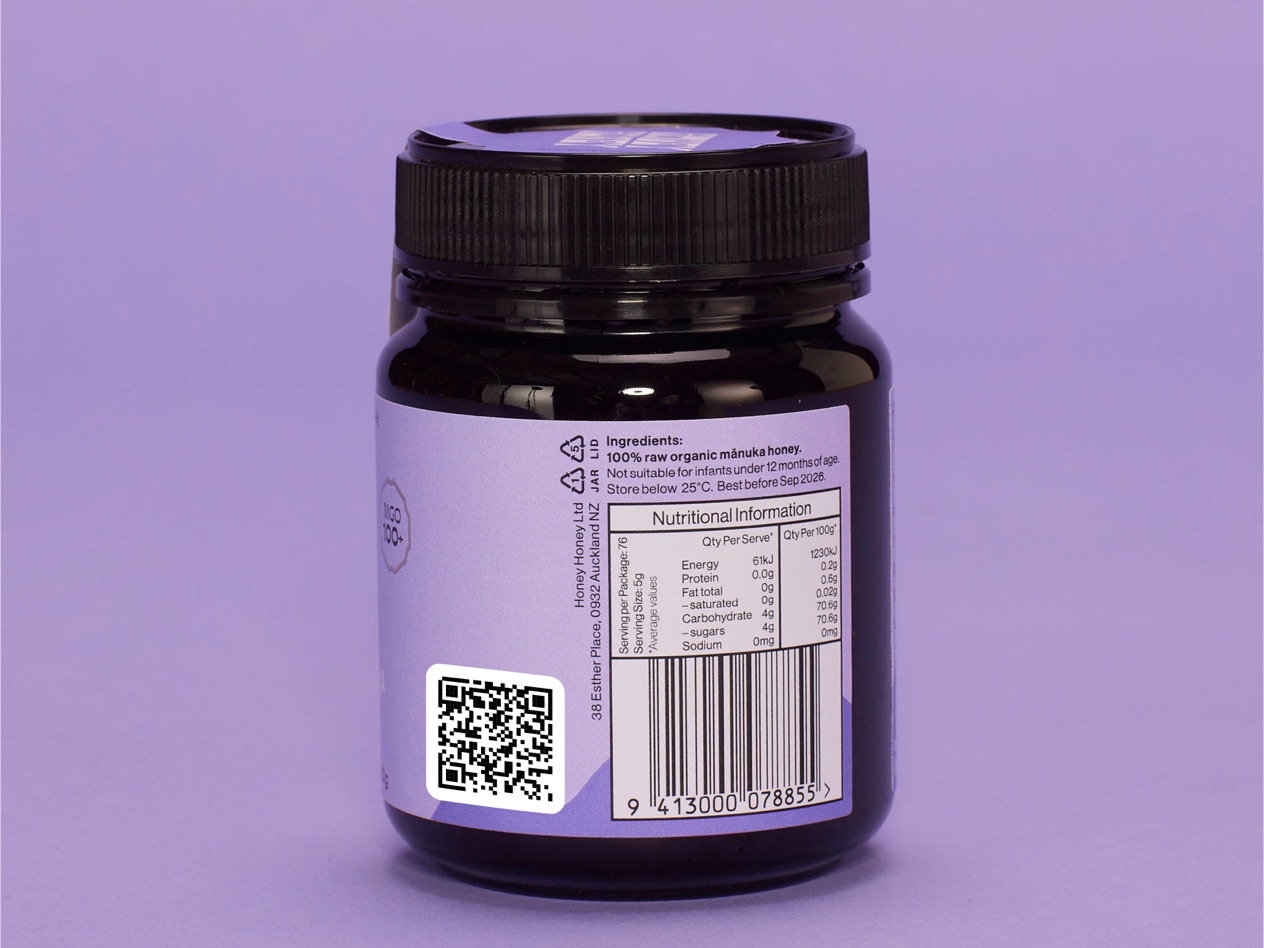
One click generates a GS1 Digital Link QR code. Download it as PNG or SVG for print or digital use.
- GS1 Digital Link standard format
- High-resolution PNG and SVG download
- Scannable by any smartphone camera
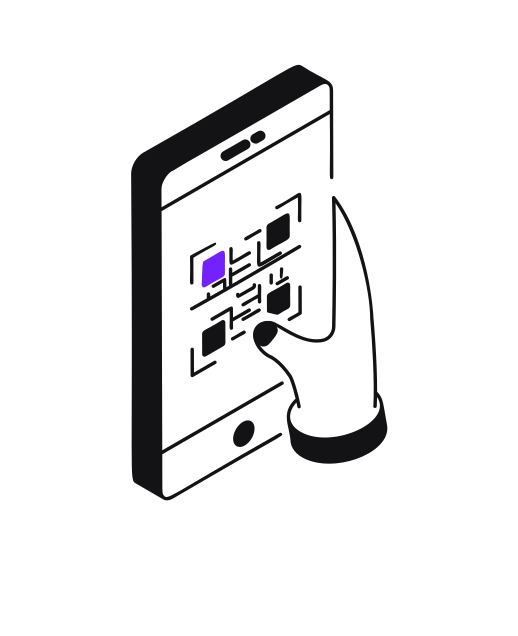
Share with customers
Print the QR code on packaging, labels, or marketing materials. When customers scan it, they see your product page.
- Clean, mobile-friendly product page
- Update content anytime without reprinting
- Track scan analytics and engagement
Built to be simple
You don't need a QR code expert, a barcode consultant, or a GS1 specialist. OwlQR handles the complexity so you can focus on your products.
Set up in minutes
Add your first product and generate a QR code in under 5 minutes.
Update without a reprint
Change product info anytime. The QR code on your packaging stays the same.
Standards-compliant
GS1 Digital Link, EU Digital Product Passport, and Amazon Transparency are all available.
Ready to get started?
Create your first product and see how simple compliance can be.